

Add branded graphics
to your video automatically
Add branded graphics to your video with a single prompt.
Try it out in Video Agent
Add branded graphics to your video with a single prompt.
Try it out in Video AgentUse Capsule’s Autographics skill in Claude or ChatGPT to automatically add branded motion graphics to your video—captions, lower thirds, title cards, and more—all perfectly sized for any platform.
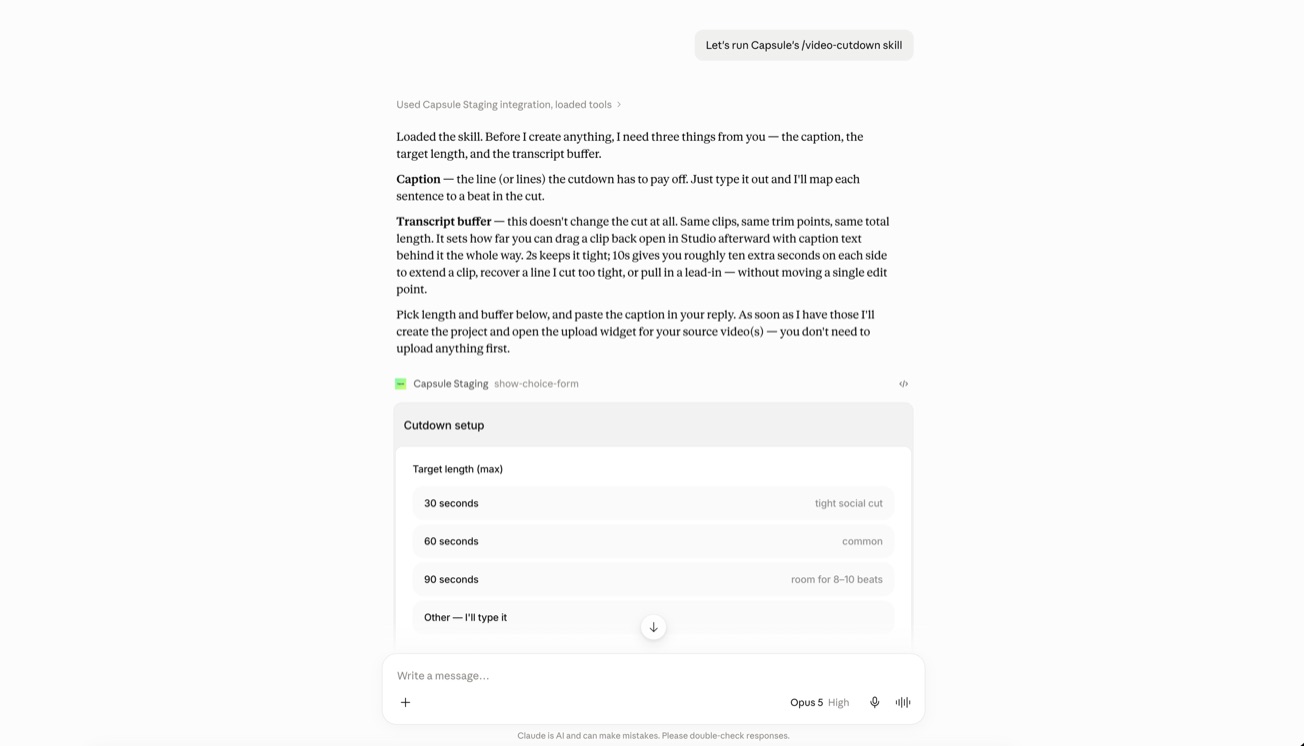
Your creative team sets the standard for every video your org makes. The problem is they can’t be in every room when that video gets made.
With Video Skills, anyone on your team can use Claude or ChatGPT to get guided through the steps to create a brand-approved video.

Get a cutdown of your video with branded captions and graphics for free.

Add branded graphics to your video with a single prompt.

Transform speech into studio-quality sound with one click.

Turn a job listing URL into a personalized video from the hiring manager.

Get a brand-approved video from a knowledge base or blog article URL.

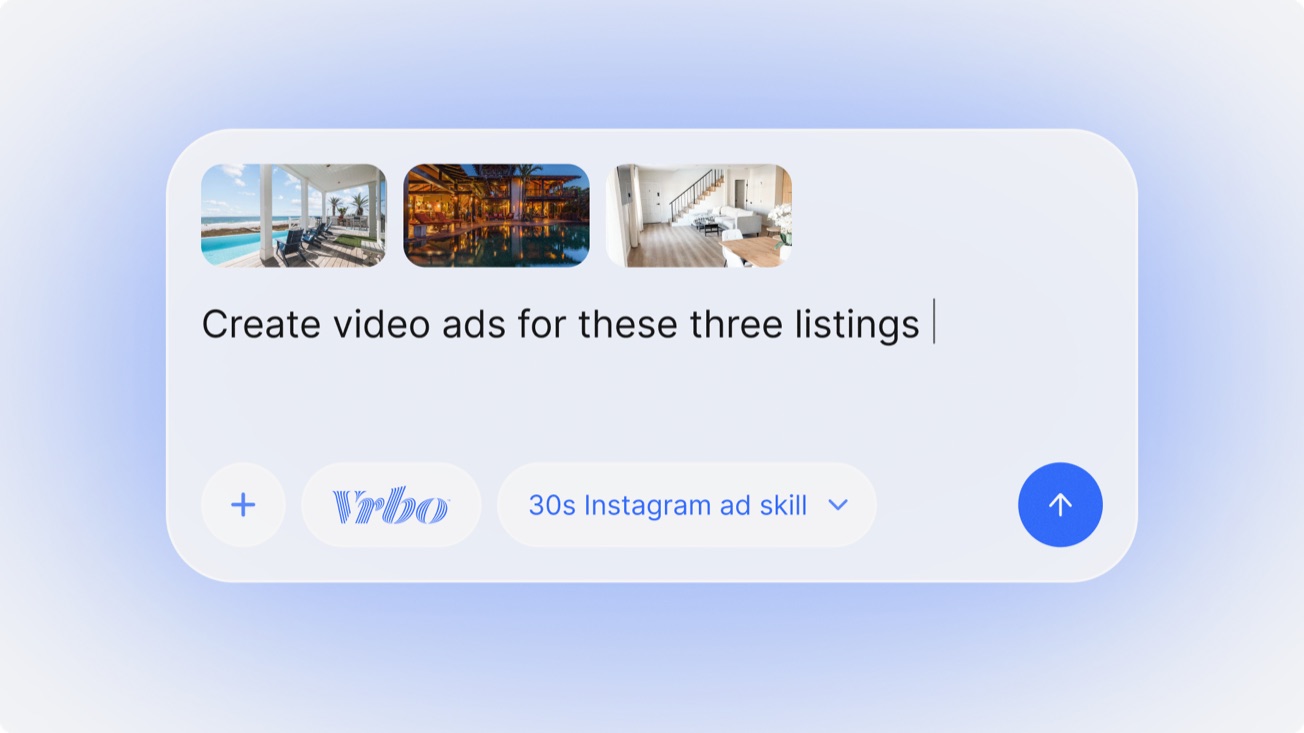
Go from real estate listing to polished video in minutes.
Video Skills are a way for any team to create brand-approved videos right within Claude or ChatGPT. This branded graphics Video Skill is just one example of a Video Skill you can use.
Capsule builds them with your creative team. Your designers and brand leads decide the templates, the narrative structure, and the guardrails; we turn that into a skill the rest of the org can run. Nobody outside your creative team has to make a design decision for the output to stay on brand.
Most AI video tools generate something new every time, so the brand is a guess and the output is a surprise. A Video Skill runs your own templates, type, colour, and motion — the AI walks through the steps, your creative team already decided how it looks. And what comes out is a real Capsule project you can open and change, not a flat file.
Yes. Every video a skill makes opens in Capsule as a normal project, so you can swap a clip, retime a caption, change the voiceover, or re-cut the whole thing. Nothing is locked and nothing has to be re-prompted.
The tools on this page are free. Custom Video Skills are part of a Capsule plan, priced on the size of your team and how many skills you need — book a demo and we’ll scope it with you.
See how the world’s largest tech brands are using Video Skills
to turn content into videos faster, without losing any brand quality.